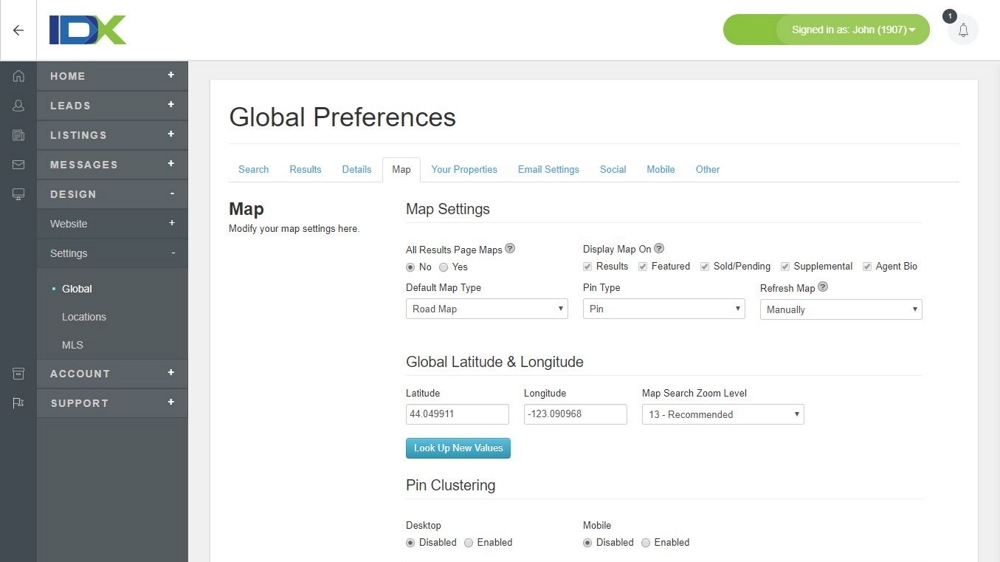
Back Office Map Controls
Use the back-office controls to easily fine tune the maps that appear on all IDX pages.
- Quickly add maps to your results, featured, sold/pending, and supplemental pages.
- Display ALL available properties on the map, or only the properties that show up on the first results page.
- Set your map to default to hybrid, satellite, or street view.
- Set the map center location using an address, or coordinates.
- Set the Property Type, Bedroom, and Bathroom default settings.
- Set the maximum number of properties to the recommended 25, or increase all the way to 100.
- Select from four different detail page map providers.
- Quickly set your detail page map height and width.