< Back To Features

Advanced IDX Search - Find MLS/IDX Listings

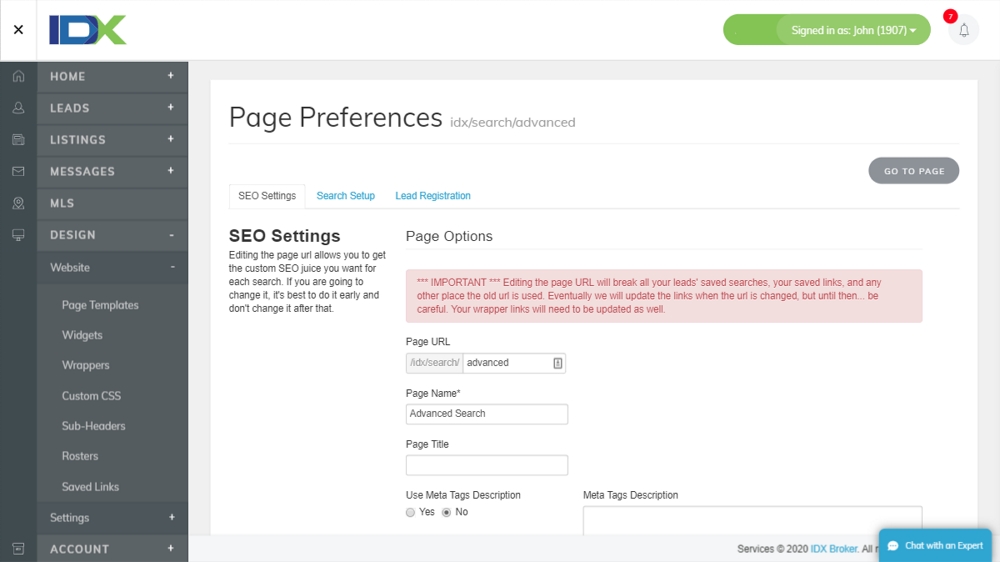
The advanced search page gives you all the search options you could ever need, including the ability to display all of the searchable fields that are made available from your MLS.

Give your users a number of advanced search criteria to find their home of their dreams, and also control the layout, position and type of search field that actually displays on this page directly through the IDX Control Panel.

Using the latest in Web 2.0 admin tools, you can use the drag and drop feature to layout this page any way you want. The easy to use Advanced Search page management tool is all controlled within the IDX Control Panel.

You can also determine what type of search function you want to display with that specific data field. For example, let's say your specific MLS provides a field for the number of garages. You can choose to have that field display as a list, keyword search, minimum or maximum value or even both. You can even change the name of the category label if you don't prefer the MLS provided label.

Check out the video demo of this feature to see how the IDX admin tools work!

Benefits

  • Drag and drop admin setup.
  • Search by any available MLS field
  • Custom layout and ordering of advanced fields.
  • Target users with only a few MLS fields or provide them with the full scale search.

Screenshots

Advanced IDX Search - Find MLS/IDX Listings
< Back To Features
Single User Access
Team User Access
Multi User Access
Sign Up Today

Related Features

- Basic Search -

Basic or Quick Search on your home page can be done in two ways. You can add ...

- Advanced Search -

The advanced search page gives you all the search options you could ever need...